
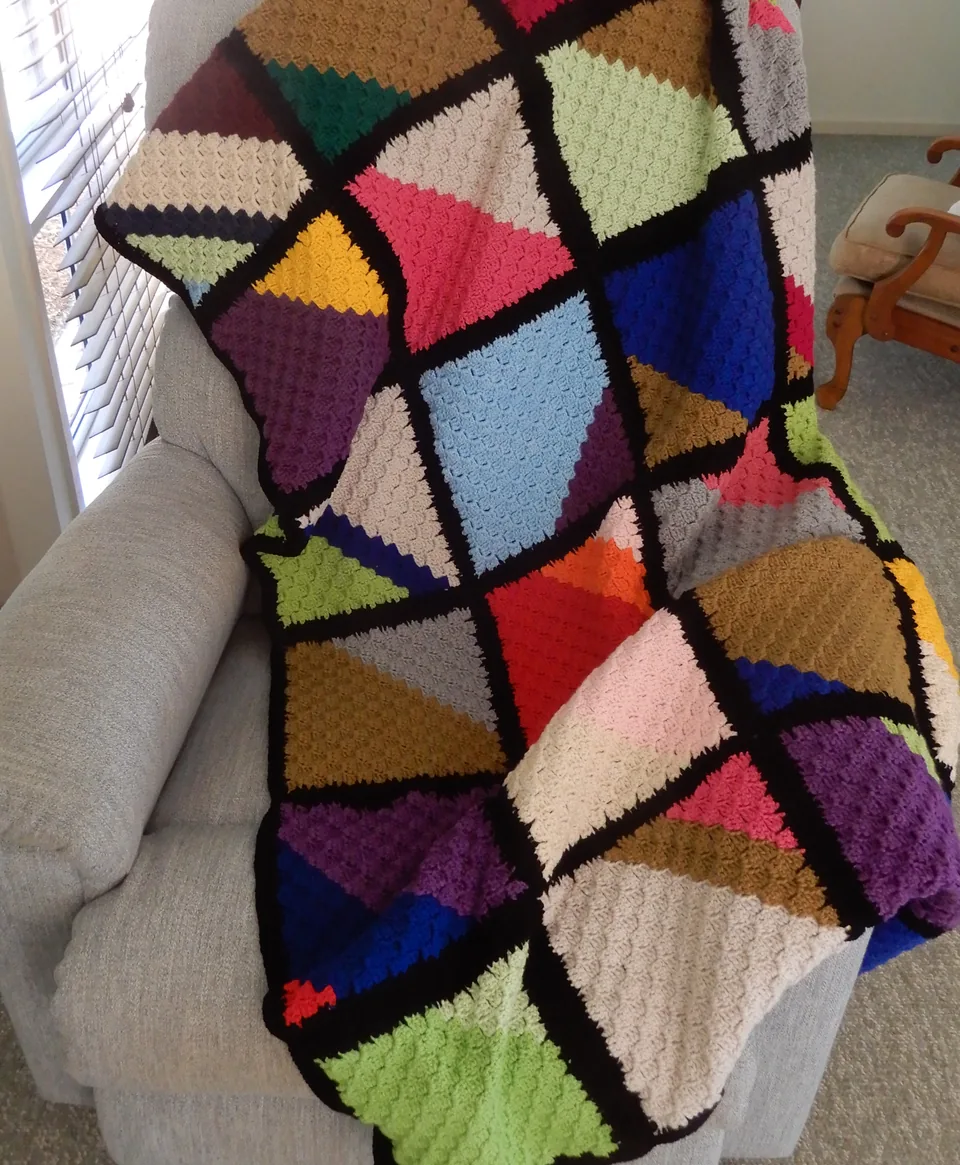
About This Generator
The C2C Graphgan Generator reads a rectangular colored picture along corner-to-corner diagonals. It helps you track the changing number of blocks, the starting-edge operation, and the color coordinates for each diagonal. Use it for a small picture swatch or for planning a larger graphgan after measuring a block sample. It is best for crocheters who can recognize a chain-three space and join one block to the next. The graph is not a one-sc-per-cell tapestry chart.
How to Use This Generator
Width and Height are measured in C2C blocks, not individual stitches or centimeters. Pattern selects a supported geometric color arrangement; the swatches supply its yarn colors. Choose terminology before following the written block construction. Generate and compare the numbered diagonal route in Symbol Chart with the coordinate list in Written Pattern. The lower-left graph cell is coordinate one, one. The structure preview adds block direction and coordinate detail without changing the underlying cell order.
Save project records a local working version. Export JSON retains the grid and dimensions for restoration, while Export SVG keeps the diagonal route readable when enlarged. Print can provide a paper chart or browser PDF. Read the instructions for each diagonal's starting edge instead of deciding increase or decrease solely from whether the overall diagonal count rose. The rectangular middle phase can behave differently at its two edges.
Understanding the Crochet Pattern
A supported block contains a chain-three rise and three dc in US terminology. The seed begins with chain six and three dc in the fourth, fifth, and sixth chains. Later blocks attach to the next chain-three space with a slip stitch before making their chain and posts. An increasing starting edge makes a new block outward; a decreasing starting edge travels across existing posts with slip stitches to begin inward. Changing color on the final pull-through before the next color helps avoid a displaced color boundary.
How the Generator Works
The coordinate engine groups cells by the sum of their zero-based horizontal and vertical positions. It reverses the route on alternating diagonals, then converts coordinates to the one-based form shown to readers. There are width plus height minus one diagonals. The starting-edge rule depends on the diagonal's direction and whether that edge has reached the relevant rectangle dimension. Each listed cell remains one block, and the sum of all diagonal block counts equals width times height. The engine does not substitute a simple square-only halfway rule for a rectangle.
Step-by-Step Worked Example
Choose Width 3 blocks and Height 2 blocks. The complete rectangle has six blocks distributed across four diagonals: one, two, two, and one. Begin the seed with chain six and the three specified dc. The second diagonal starts with an increase and contains two blocks. The third has two blocks too, but its starting edge uses the listed decrease rule; maintaining a count of two does not mean repeating the same edge operation. Finish the fourth diagonal's single block without extending beyond the graph. Coordinate and color instructions identify which yarn belongs in every block.
Download this worked example as JSON. Restore it in this generator to compare the actual counts and structure.
Practical Tips
Make several joined blocks before estimating physical size; measure the blocked width and height of the block fabric rather than a single loose cluster. Wind manageable yarn lengths for small color regions. Mark the current diagonal on paper and keep track of the final completed coordinate. When resuming work, identify the chain-three space at the active edge before following the next numbered route.
Common Mistakes and Solutions
A rectangular graph starts shrinking too early
A square-only increase/decrease habit may have been applied. Compare the current starting edge with the listed start rule and the rectangle's two dimensions. Undo the affected diagonal and follow its actual coordinate count.
Color blocks are shifted by one position
The color change may have occurred after starting the next block. Compare the last completed coordinate and its yarn label, return to the transition, and change on the final pull-through before the new color's block.
A diagonal has the right colors but an extra block
The last chain-three space may have been treated as permission to continue. Count the listed blocks, find the final coordinate, and stop there even if another visible space could receive yarn.
Second Reproducible Application
Use this comparison to check how one input changes the c2c graphgan generator output. Enter width = 4; height = 2. Keep any grid and color data from the downloadable worked example unchanged. Generate again and compare the result with the first example above. The resulting dimensions are 4 × 2 blocks; 5 diagonals. These depend on the entered block size, not a measured finished sample. This comparison was executed with the site's engine; it is a numerical construction check rather than a claim about physical gauge. Save both settings separately if you want to compare them later.
Related Tools and Guides
The Tools directory at /generators/ lists the available generators. Use the linked examples on this page to study the same construction with different inputs, and the Guides directory at /guides/ for supporting reading. Check terminology and measured gauge before combining output from different tools.
Frequently Asked Questions
Does a twenty-block width mean twenty dc?
No. Each block contains its own chain rise and three dc. Block counts, individual post counts, and physical dimensions are different measurements.
How many diagonals does a rectangle need?
For this construction the total is width plus height minus one. A three-by-two graph therefore has four diagonals, not six diagonal rows.
Can a diagonal keep the same block count while its edge changes?
Yes. Rectangular C2C can increase at one boundary while decreasing at another. Follow the specific starting-edge instruction rather than judging the operation only by the total count.
Where is the coordinate origin?
The graph uses a lower-left origin and displays one-based coordinates. This differs from many image files that count pixels from the top left, so keep coordinate systems separate.
Is the graph enough to buy yarn accurately?
No. Measure representative block consumption and account for color regions and tails. The chart supplies route and placement information, not a measured material requirement for your yarn.